
The Member Center
Live Events
To Attend Live:
✨ Have a paid, active membership subscription.
✨ Click on the ‘Register Here’ links below next to each date you want to attend below. Enter your name and email address, and you’ll receive a registration link via email.
✨ All events are held via an online conferencing software and hosted in Eastern Time.
✨ After you complete the form next to each workshop date, you’ll receive your unique conference link via email. Simply click that link at the time of the event anywhere with an internet connection and headphones/speakers to join us live.
✨ Replays of previous events are typically available within a few business days following the event.
✨ You may need a password to enter the event. The password is the four-digit MONTHDAY (MMDD) of workshop.
Workshops
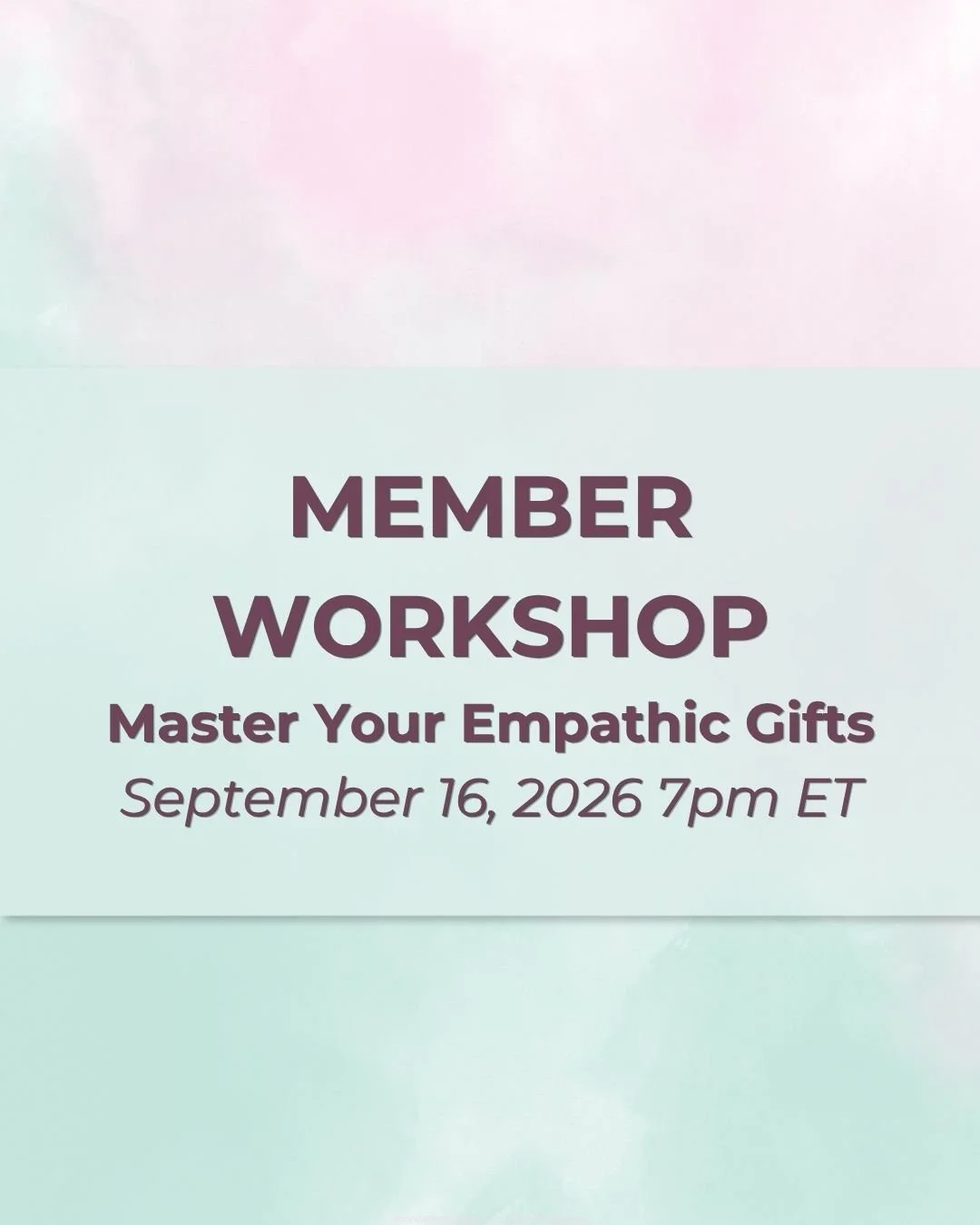
Topic Master Your Empathic Gifts: Wednesday, September 16th, 7-8:30pm ET
Topic TBA: Wednesday, October 14th, 7-8:30pm ET
Topic TBA: Wednesday, November 18th, 7-8:30pm ET
Topic TBA: Wednesday, December 9th, 7-8:30pm ET
Topic TBA: Wednesday, January 13th, 7-8:30pm ET
Upcoming Office Hours
Friday September 18th at 1pm-2:30pm ET
Friday December 11th at 1pm-2:30pm ET
*Office hours are now registration based like workshops. This is so you can be updated via email if anything changes! Simply add your name and email to the registration link and join us with the unique call-in link in your confirmation email.
There are no recordings or AI notes released or kept for this event to preserve the sacred space.
What To Expect When Joining Us Live
Enjoy news and updates, expanded discussion of the month’s theme, meditations and exercises, plus a deeper practice section.
The first part of the workshop is an expanded discussion about the theme plus meditative exercises.
About 45 min or so into the workshop, we take a short break and then reconvene to start an advanced practice session featuring energy, intuitive, mediumistic and psychic techniques.
Here we will focus on activities that generate feedback and non-physical insight.
We practice different techniques every workshop and sometimes you will have a chance to volunteer to receive intuitive insight and give feedback.
New to the group? We'll go over a bit of basics before we dive into any practice. I encourage you to attend at least three practice sessions to allow yourself the ability to see growth.
✨ In the event of severe weather or other acts of Mother Nature/God, workshops may be postponed every once in a great while
Post-Event Recording
Recordings from the live workshops are sent out and posted in The Member Center after each event. Due to the personal nature of the insights that are sometimes shared, the practice portion of this workshop is not always recorded.
Missed a workshop from another journey? The most recent past Workshops are now available on demand: Find the Replays HERE
Listening Options
This event software requires an internet connection and an option for you to select your audio preference. Two listening options are available once you login to the conference via your unique access link:
Using the speakers/microphone via your computer
Calling in separately from a telephone
Domestic And International Telephone Callers
You can join in audio-wise to the event from a local landline phone, mobile phone or using your computer’s mic/headphones.
Once you click the conference link, you'll have the option to select and test your audio preferences for your call. If listening in via a telephone, use the drop down menu to find the local dial-in number from your country to avoid international fees.
For a list of these numbers in advance, visit: Zoom International Call-in Numbers.
If you're located in another region then the eastern United States, please make sure to check out TimeBie to find out when the workshops are hosted in your time zone.
Audio Assistance
Make sure to select ‘Join Audio’ on the application if calling in from a phone. Selecting ‘Internet Audio’ for your phone will allow you to connect to audio through your WIFI. You can also select ‘Telephone Audio.’
Either way, if calling in from your phone, select ‘Join Audio’ for the call to hear and speak.
If you’re joining from a mobile device, you may need to download an app.
If you’ve already downloaded the Zoom application for the conference, and used the audio successfully, disconnect your audio and reconnect your audio if you experience technical difficulties.
To learn more about joining audio for this event, view this help document by Zoom Webinar, who is our conference call host. The conference will stream live from a desktop.
Closed Captions: Closed Captions are available whether you attend live or listen later. Learn how to turn on Closed Captions on Zoom. For recordings, simply click “CC” at the bottom of the YouTube video window.
See you at the next event!